CGMatter Nodes
The custom nodes I use in my tutorials are free and growing. In Blender 5.2+ they come in the form of a remote asset library.
Download the assets by:
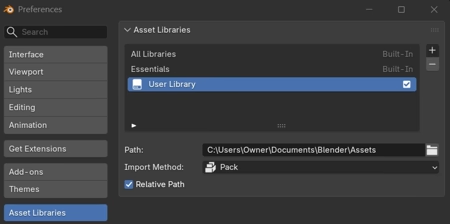
- Add a remote asset library
- Use the URL
https://cgmatter.github.io/website/nodes/- Refresh and download from the asset browser (make sure Allow Online Access is enabled)
I prefer appending over packing assets, but that’s up to you 😉
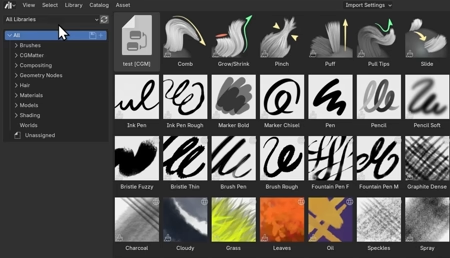
Note that Shift + LMB clicking refresh forces a download! Do this every once in a while to see if any nodes have been added.
You’re free to use these in any project! Please credit me as CGMatter (ideally with a link to https://www.cgmatter.com) in all commercial-ish work.