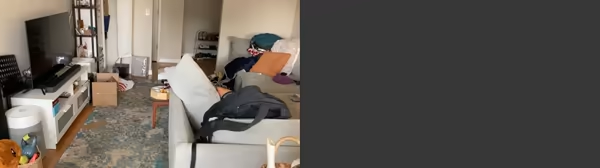
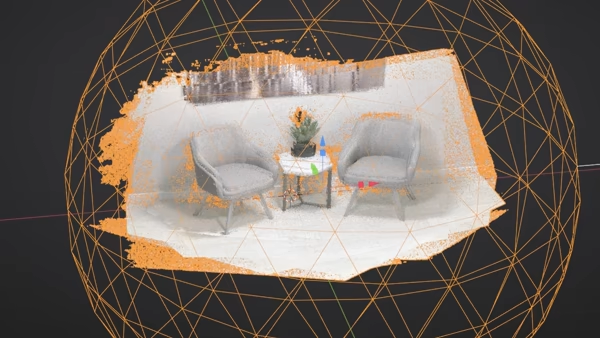
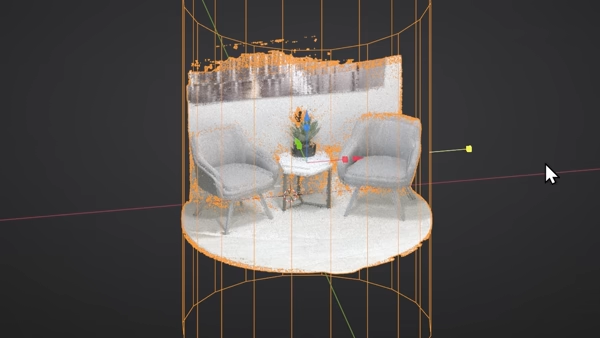
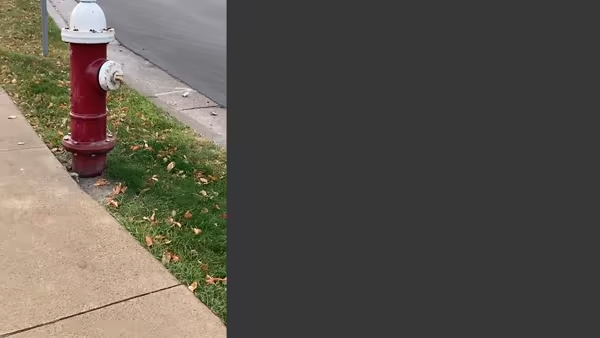
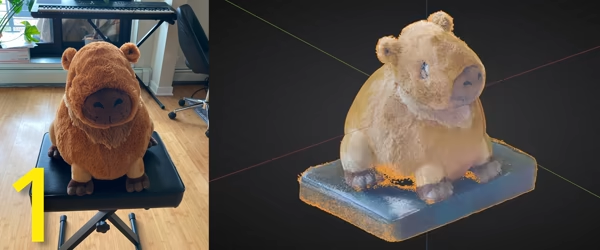
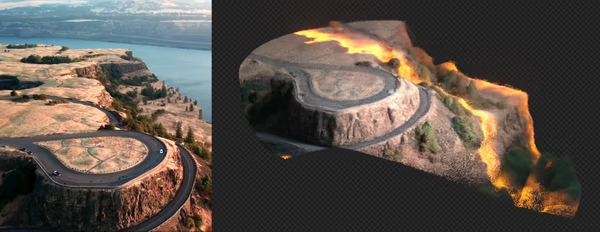
Scene Scanner creates dense point clouds (colored) without expensive scanners/lidar. Map out your scene, visualize objects, and create cool effects:
Any Sequence/Video
Dense Point Clouds
Easy Cropping
Lightning Fast
Quality Levels
✕
Any Sequence/Video
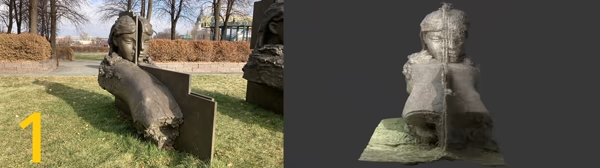
Scene Scanner takes in any video or folder of images as input. As a general rule:
Videos are best for mapping larger scenes.
Images are best for detailed objects.
✕
Dense Point Clouds
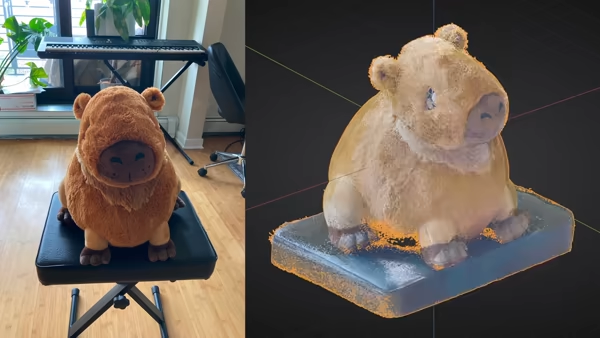
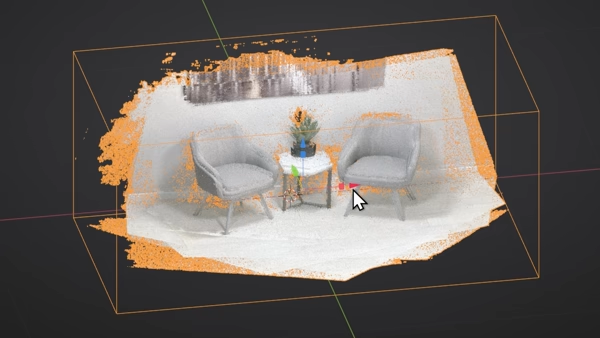
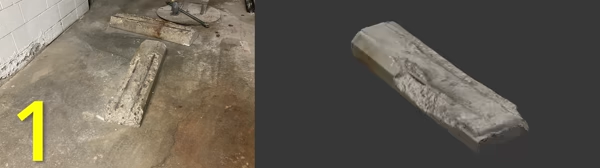
Similar to physical scanneras and lidar, Scene Scanner outputs dense colored point clouds. Objects can be represented by millions of points.
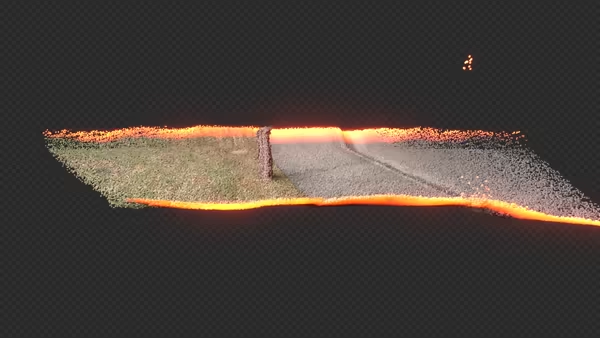
This makes general layout/mapping a perfect use-case. Results are accurate up to a scalar multiple (just scale it up)!
✕
Lightning Fast
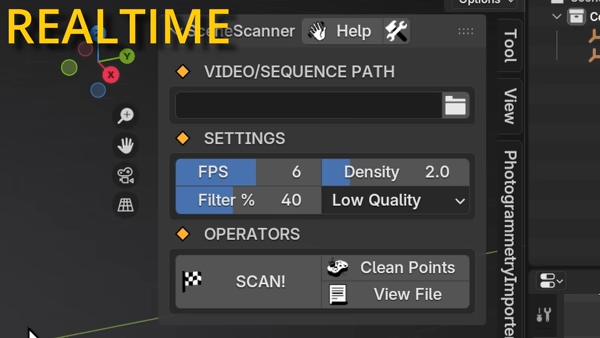
We generally accept the long time photogrammetry takes because of the results. What if we could take 30 minutes down to 30 seconds (or even less)?
✕
Quality Levels
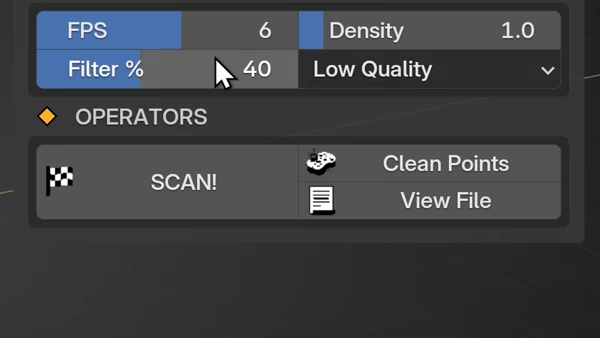
Scene Scanner comes with the low and medium depth models out of the box. The larger models (large and giant) can be downloaded from the preferences (about 6GB) but are attached to a non-commercial license (for details look here).
✕
Easy Cropping
Scene Scanner comes with 3 dynamic cropping modes:
Box
Sphere
Cylinder
Results
Compatibility
Blender: 4.5-5.0
Windows: x86/64 architecture and Nvidia GPU (30xx or 40xx series NOT 50xx Blackwell)
MacOS and Linux: unsupported.
Common Issues & Tips
Holes in Point Cloud - shoot with better coverage - capturing all angles. Fewer good photos > many bad photos.
Out of VRAM - reduce FPS (less images), resolution, and quality level.
GPU Compatibility - Must be an Nvidia GPU (NOT 50xx Blackwell).
Too Many Frames - redundancy isn't always a good thing. Avoid adding extra compute time with near-duplicate photos.
Choosing Confidence - just as you are confident, so too should your level be. Think of confidence as rejection of point outliers.
Point Density - I recommend adding only as many points as are necessary. No need to introduce weaker outlier features.

 This makes general layout/mapping a perfect use-case. Results are accurate up to a scalar multiple (just scale it up)!