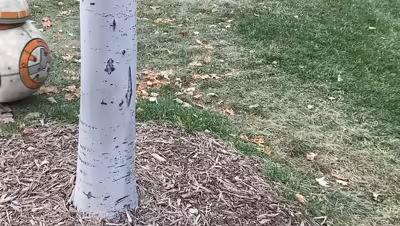
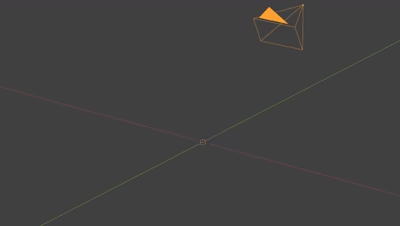
Also: Blender 5.1+ native, focal length estimate option, sequential matching overlap control, lossless ffmpeg frame extraction, each solve kept in its own Reconstruction Collection (multiple solves coexist, tools follow renamed objects), faster tripod solver startup, updated documentation — plus fixes: multi-GPU glitch, video frame re-extraction stall, friendlier error handling.
Load your footage, hit track, and you're done. Camera Tracker 6 handles everything automatically.
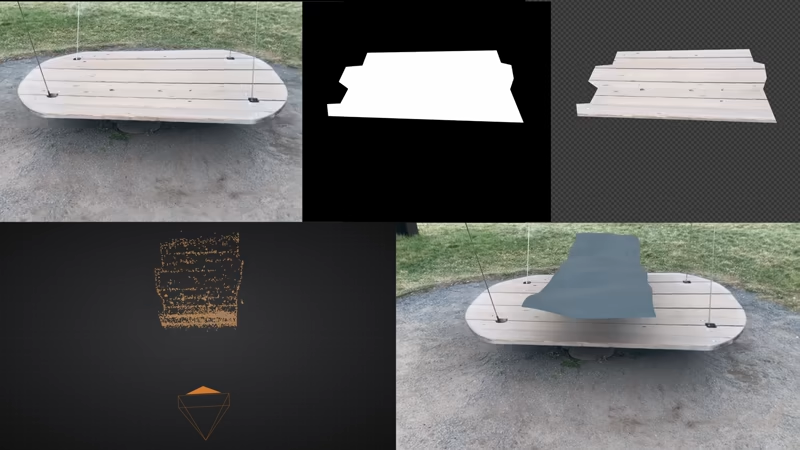
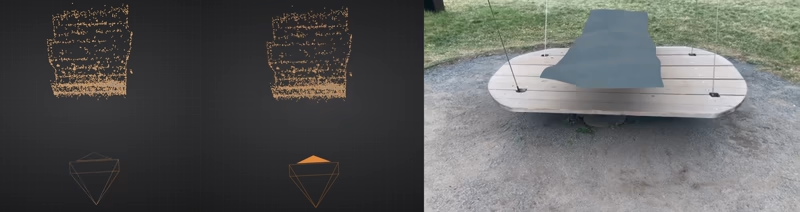
Camera Tracker 6 has a new Pin Tool. Align 3D objects to your shot from just 2 views. Great for custom models or photogrammetric scans.
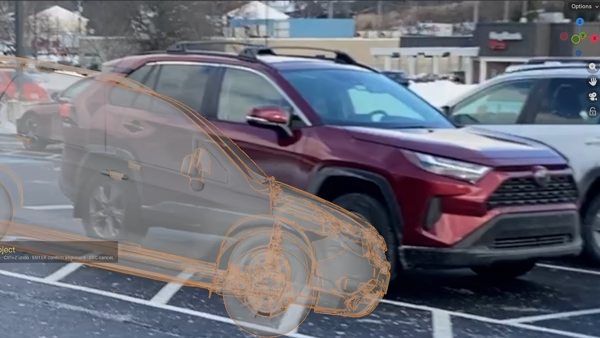
Previous versions always created a point cloud. But what if you want to define your own points? Camera Tracker 6's Point Tool can triangulate any 3D point in just 2 clicks.
No more eye-balling where the ground plane is. Good CG integration requires exactness. Camera Tracker 6 comes with a new Ground Tool that will find the floor from a vertex selection.
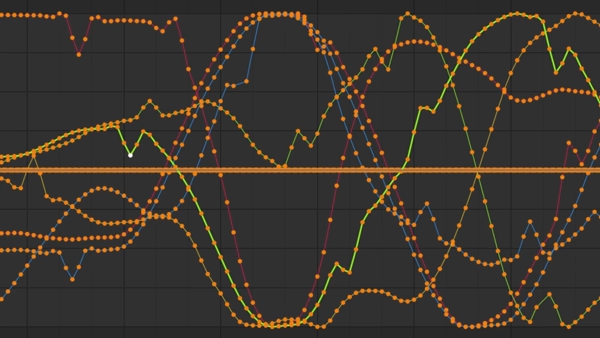
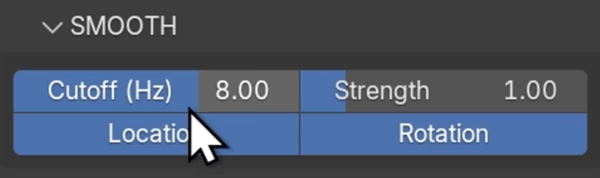
Sometimes the solve is 99% correct except for a few discontinuities. Camera Tracker 6 adds Camera Smoothing to remove high-frequency noise.
In my mind this is the best feature of Camera Tracker 6. Blender's default tracker cannot solve for changing focal length! Well... no more of that nonsense. Just enable the zoom toggle and you're good to go - it even works in tripod mode now.
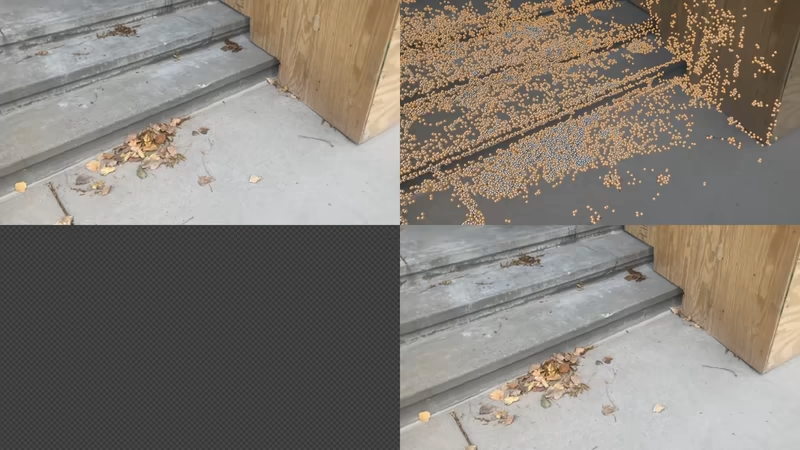
Camera Tracker 6 has a fresh new tripod solver. It is more robust, handles harder shots, and importantly, works with zoom!
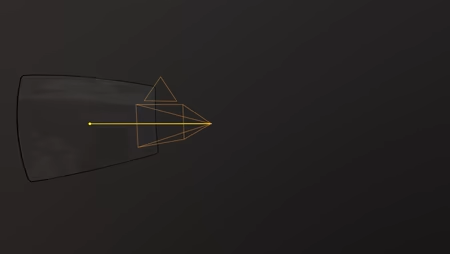
Camera Tracker 6 remains remarkably stable for longer shots. Typically you'd expect drift accumulation or no solve at all at a few hundred frames - the shot below is ≈1200 frames! Of course the longer the shot is, the more time it takes to solve - but it just keeps chugging.
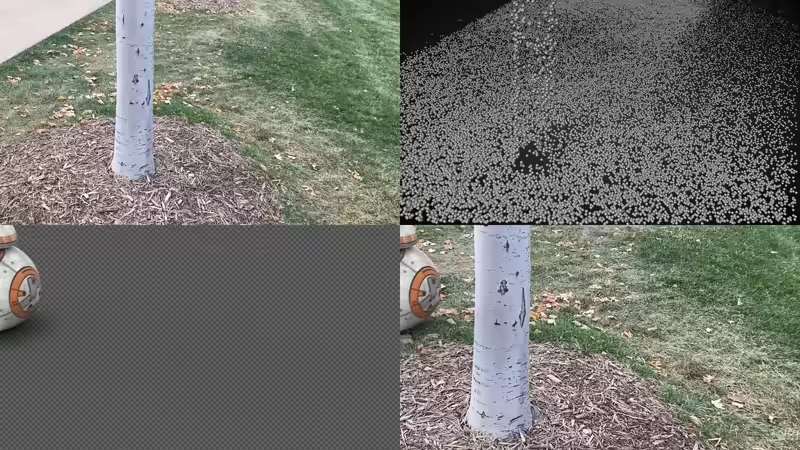
One way to look at object tracking is as inverse camera tracking. And since Camera Tracker 6 is... well, a camera tracker, we can:
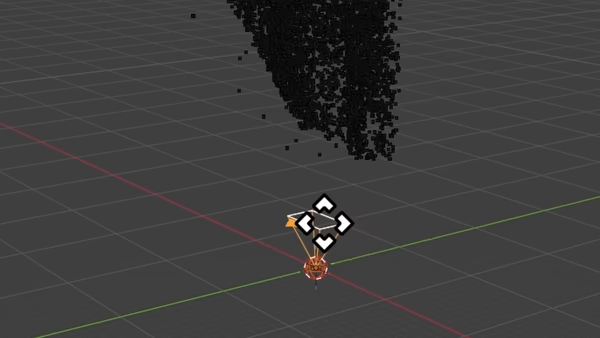
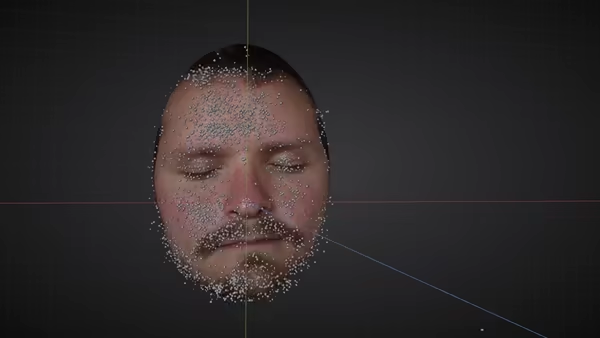
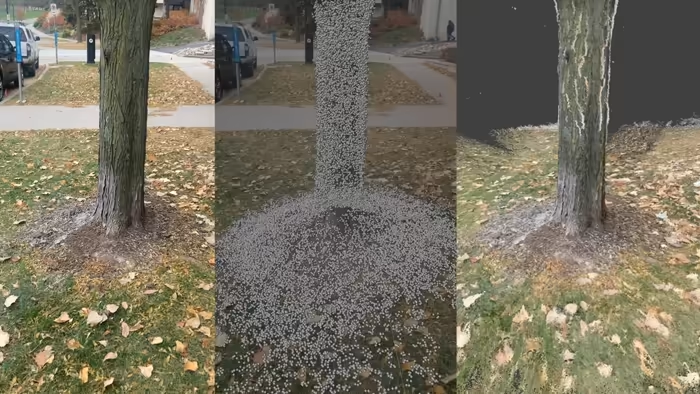
For proper CG integration you need to know what your scene looks like (and presumably recreate it). Camera Tracker 6 can solve for colored dense point clouds - that means no guessing where your geometry goes.
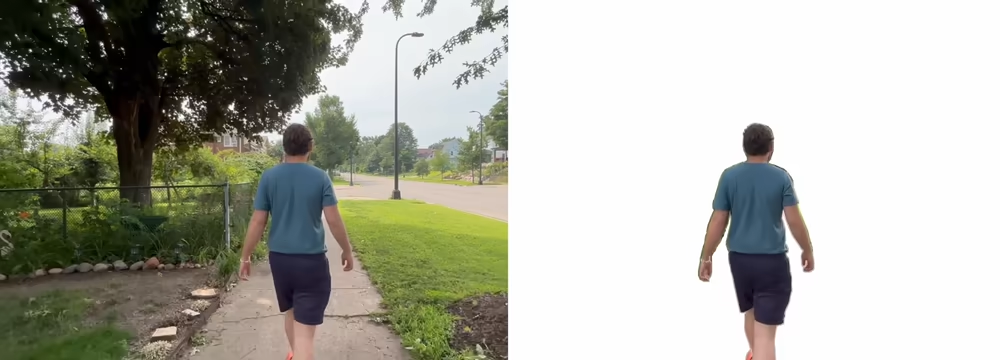
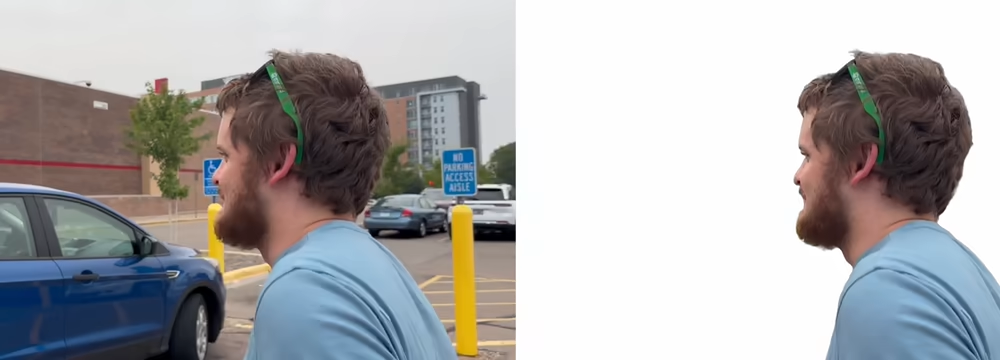
One of the most common reasons for a failed solve is not masking out moving objects. 90% of the time this moving object is the foreground actor. Camera Tracker 6 can automatically detect and mask out any foreground actor (and sometimes a bit extra, if you ask nicely).
As a part-time Mac user I long for CUDA :/
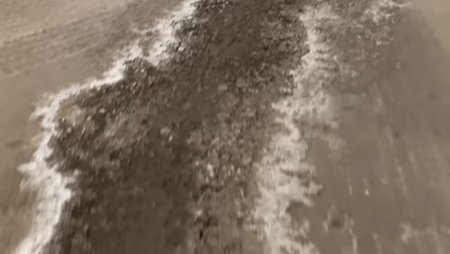
But for us Windows users you'll be happy to know that CUDA acceleration works great in Camera Tracker 6! Keep 'Slow' mode off and you'll be blasting off. Image below is in realtime (75 frame sequence input on RTX 3090).
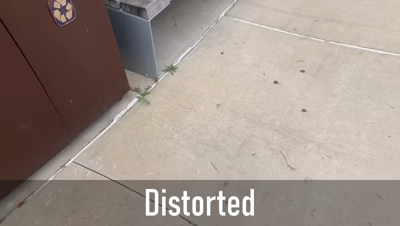
Undistortion is a key component for a more accurate solve and ultimately... for compositing. Camera Tracker 6 can not only account for lens distortion, but also outputs k1, k2 values (OpenCV convention) for easier CG integration.
Masks are useful in two important ways:
Enable alpha mode to respect the alpha channel.