Back to documentation
Choose Images
Camera Tracker tracks image sequences. Either choose your own or extract a sequence from a video
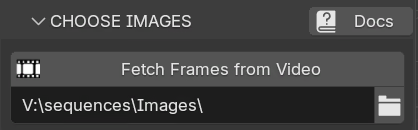
- Fetch Frames from Video - extracts an image sequence (_0001.png, _0002.png, etc) from a video
- Image Sequence - the folder/directory with the images (in sequential order)
Note that your image sequence path must satisfy:
- no non-standard english characters (C:\Users\Brad\cámara\фото is invalid)
- no network paths (map \\server\footage to a drive letter first)
- must be under 200 characters
- the folder must be writable (Camera Tracker saves its results next to your images)
*spaces and non-main drives (D:, E:, etc) are fully supported in v6 - the panel tells you exactly what's wrong if a path is invalid