Back to documentation
Choose Images
Camera Tracker tracks image sequences. Either choose your own or extract a sequence from a video
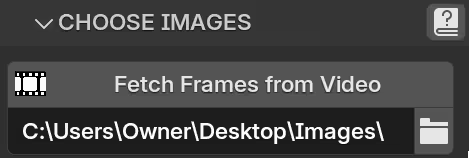
- Fetch Frames from Video - extracts an image sequence (_0001.png, _0002.png, etc) from a video
- Image Sequence - the folder/directory with the images (in sequential order)
Note that your image sequence path must satisfy:
- no spaces (C:\Users\Michael\March Photos\Image Sequence\ is invalid)
- no non-standard english characters (C:\Users\Brad\cámara\фото is invalid)
- must be on C: drive for Windows or /: drive for MacOS (E:\Users\Thom\Desktop\Sequence\ is invalid)
- must be under 216 characters
*many of these limitations are now fixed with v5.02 (non-main drives, spaces, and more ascii characters are now supported)