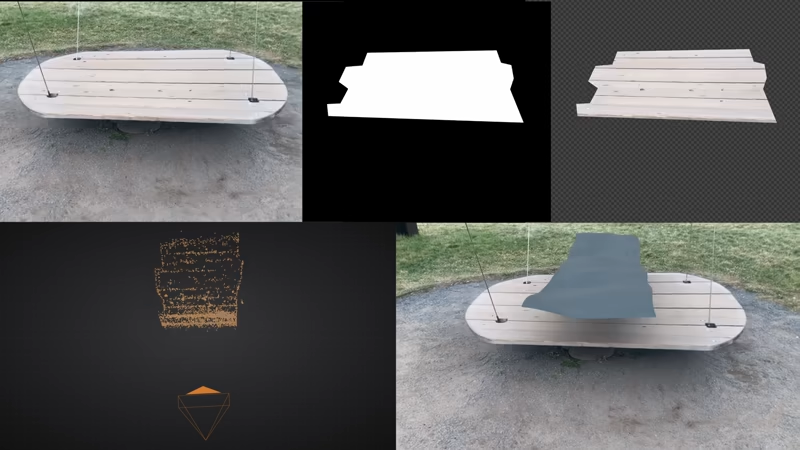
Variable Zoom
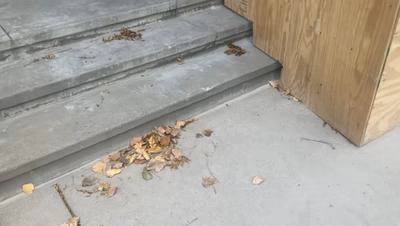
Longer Shots
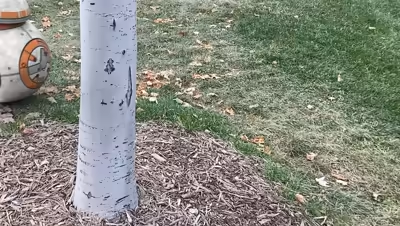
Object Tracking
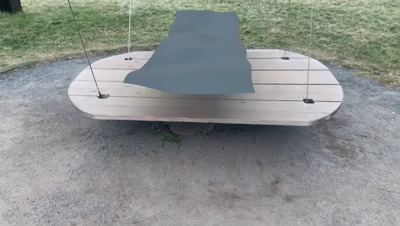
Dense Reconstruction
Actor Rotomation
Cuda Accelerated
Undistortion
Alpha Masks
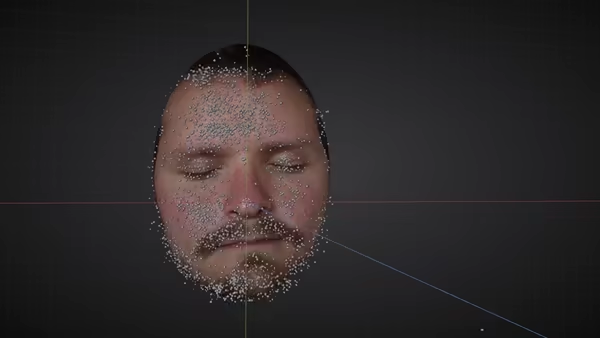
In my mind this is the best feature of CameraTracker v4. Blender's default tracker cannot solve for changing focal length! Well... no more of that nonsense. Just enable the zoom toggle and you're good to go.
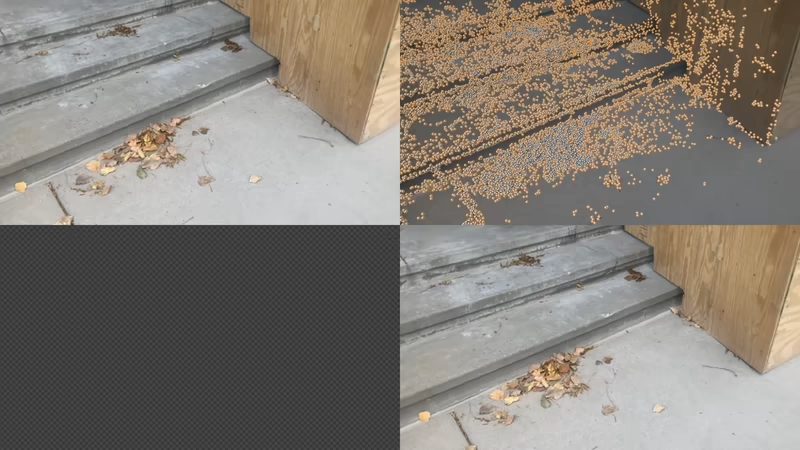
CameraTracker v4 remains remarkably stable for longer shots. Typically you'd expect drift accumulation or no solve at all at a few hundred frames - the shot below is ≈1200 frames! Of course the longer the shot is, the more time it takes to solve - but it just keeps chugging.
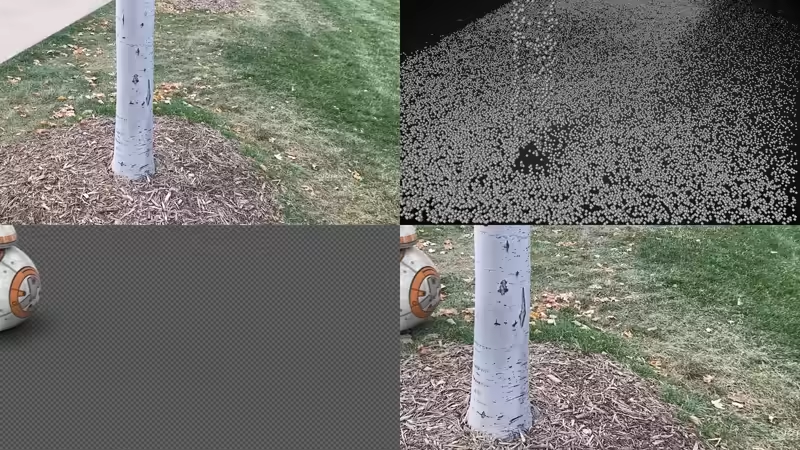
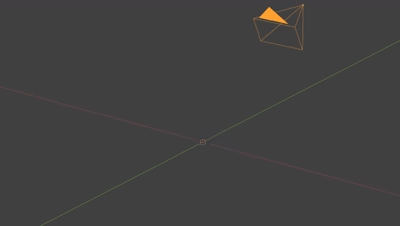
One way to look at object tracking is as inverse camera tracking. And since CameraTracker v4 is... well, a camera tracker, we can:
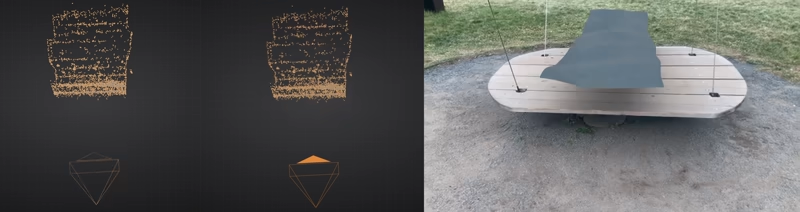
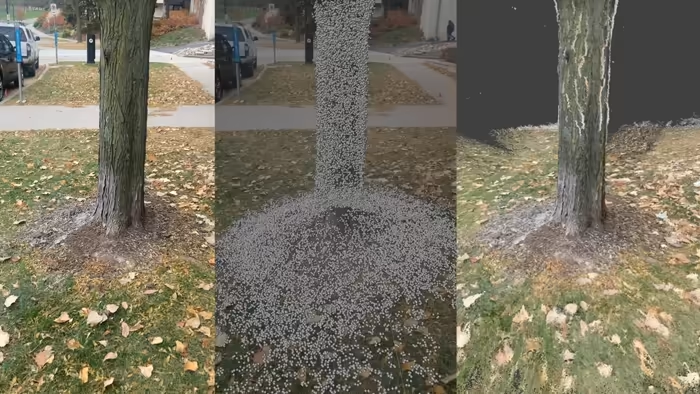
For proper CG integration you need to know what your scene looks like (and presumably recreate it). CameraTracker v4 can solve for colored dense point clouds - that means no guessing where your geometry goes.
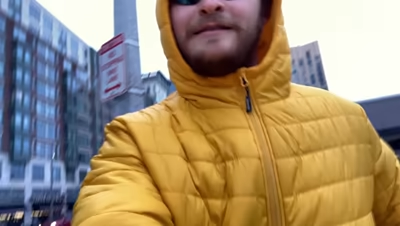
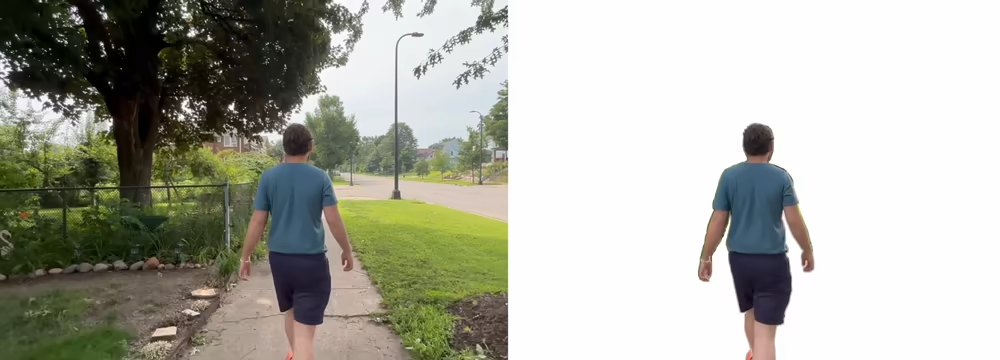
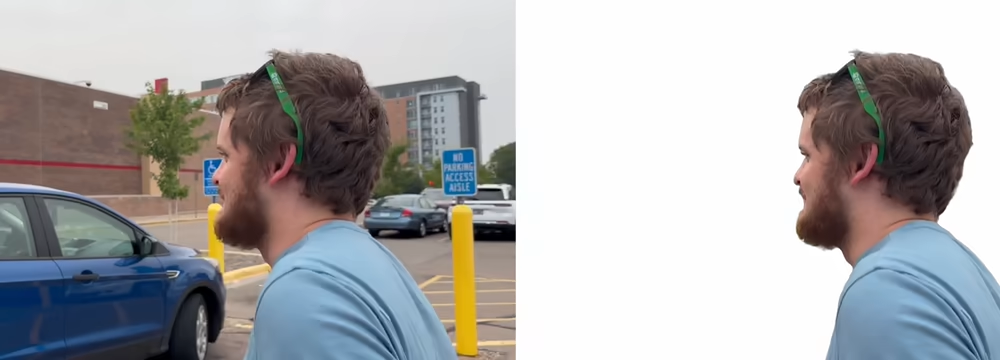
One of the most common reasons for a failed solve is not masking out moving objects. 90% of the time this moving object is the foreground actor. CameraTracker v4 can automatically detect and mask out any foreground actor (and sometimes a bit extra).
As a part-time Mac use I long for Cuda :/
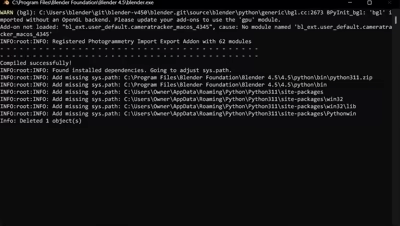
But for us Windows users you'll be happy to know that Cuda acceleration now works even better in CameraTracker v4! Turn off 'slow but sure' mode and you'll be blasting off. Image below is in realtime (75 frame sequence input on RTX 3090).
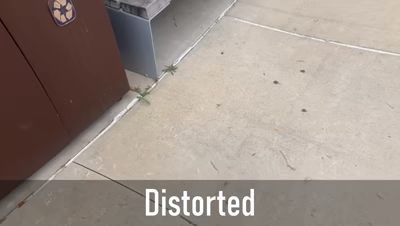
Undistortion is a key component for a more accurate solve and ultimately... for compositing. CameraTracker v4 can not only account for lens distortion, but also outputs k1, k2 values (OpenCV convention) for easier CG integration.
Masks are useful in two important ways: