Open Buddy in any sidebar (N → Buddy), type a question, hit Ask. Buddy creates a conversation with ongoing context. Ask things like: "what does the data transfer modifier do?", "do I have any unused material?", "what IOR value should I use for glass?"
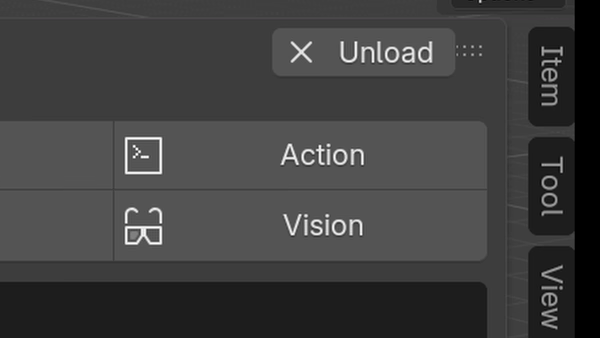
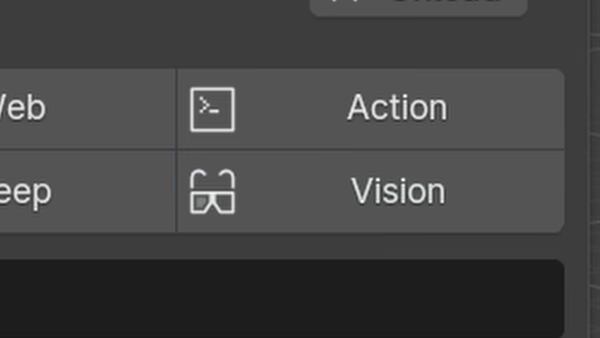
By default Buddy answers questions by giving you steps (for example, go to the 3D Viewport, hit Shift + a, add a torus). Action Mode, however, returns Python code that does the thing (in this case bpy.ops.mesh.primitive_torus_add()). Click Run to execute the code.
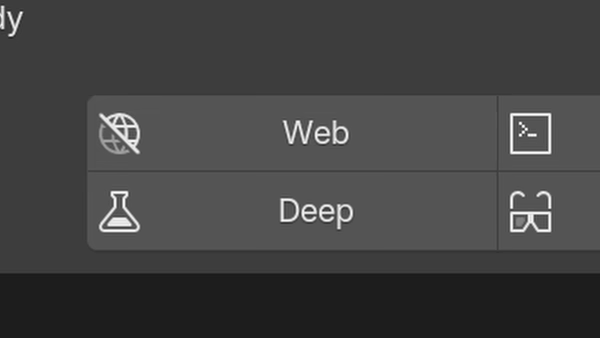
Buddy's big cyclops eye isn't just for show! Switch to Vision Mode and ask about what it sees in the active area or a custom screenshot.
You can switch between Text Mode and Vision Mode at any time.
For anything outside the local index like finding a tutorial, checking info from a forum post, looking at photos of CGMatter... Enable Web Mode and Buddy can let loose on the internet - for better or for worse. It also cites references and links to resources.